Digital menu board
Your menu on every screen in your shop.
Nothing to print: your menu board runs live on your TV. Change a price on your phone – about a minute later it's on the screen.
- Free
- No subscription
- 50 styles
- Any TV with a browser
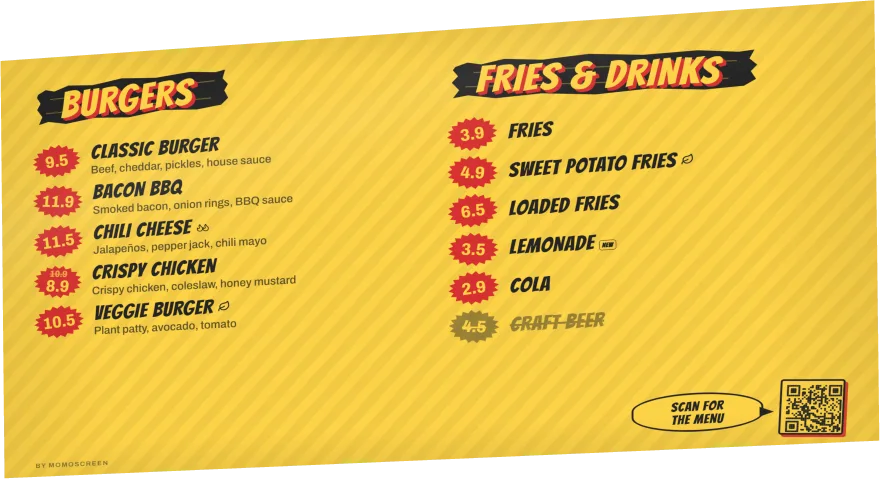
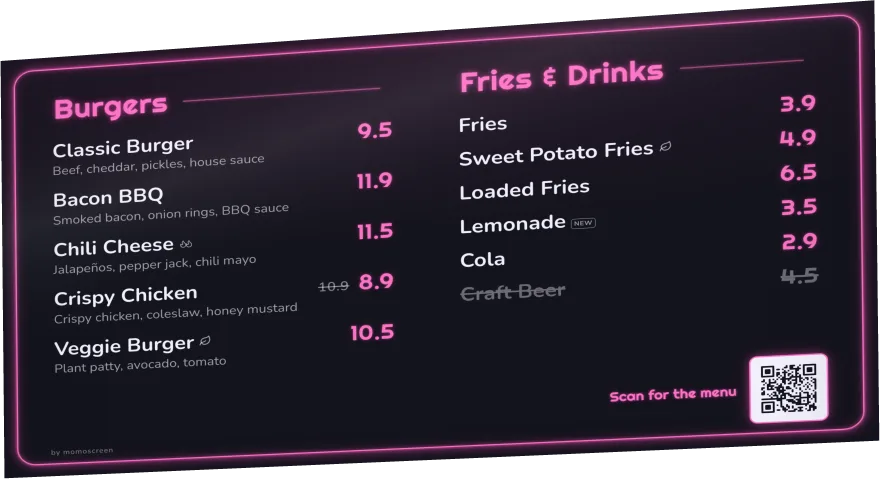
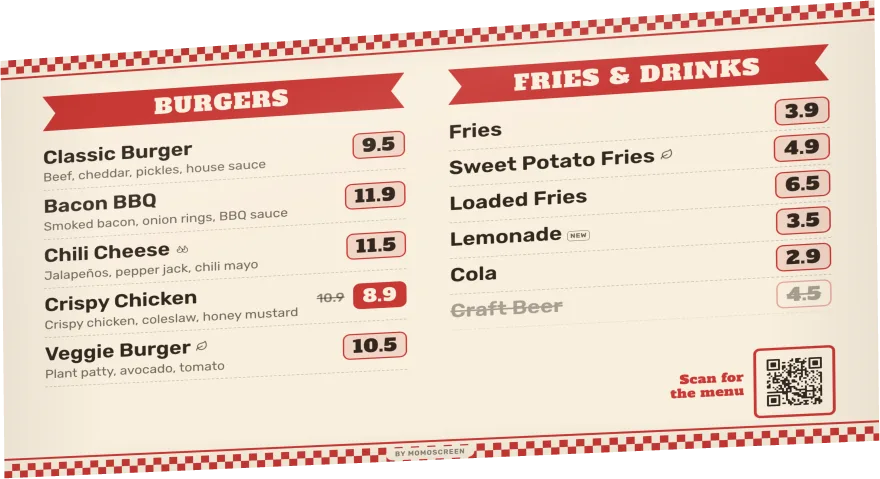
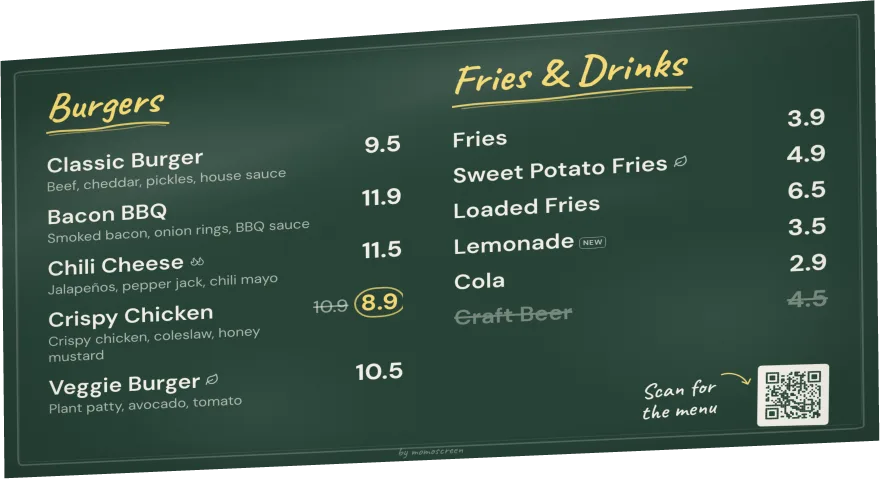
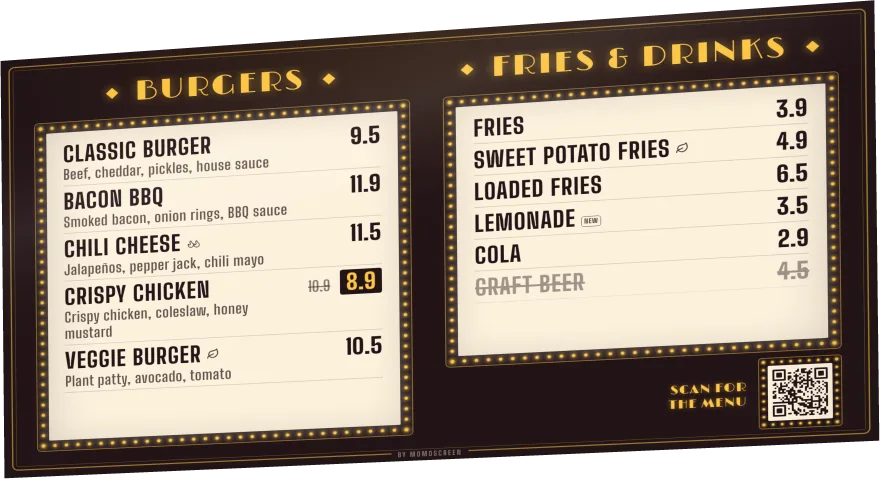
Why a screen
Less work than chalk and printouts
Every small change to a chalkboard or printed sign takes time – usually right when the queue is longest. With a screen, you do it on your phone.
- Change a price
- rewrite the board
- Printed sign
- print it again, hang it again
- PowerPoint
- crashes, black screen
- Sold out
- every guest asks
- Change a price
- on your phone, about 1 minute
- Screen
- open the link, full screen, done
- Internet drops
- the board stays up
- Sold out
- one tap, crossed out
Less work
No chalk, no reprinting, no PowerPoint file. You change everything on your phone, even between two customers.
Sell more
Deals, new items and what's sold out – everyone sees it right away, big and easy to read above the counter.
Looks professional
50 ready-made styles with matching colors. No designer, no design software.
Free
No subscription, no setup fee, no hardware to buy. A TV with a browser is all you need.
Your look
50 styles – from chalkboard to neon
Tap a style and your board looks different right away. Your products and prices stay the same, and you can switch any time.
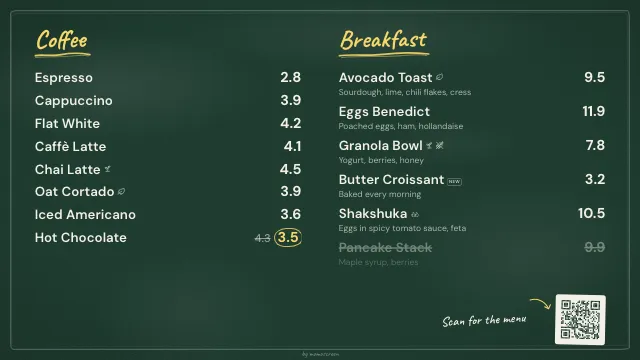
Chalkboard 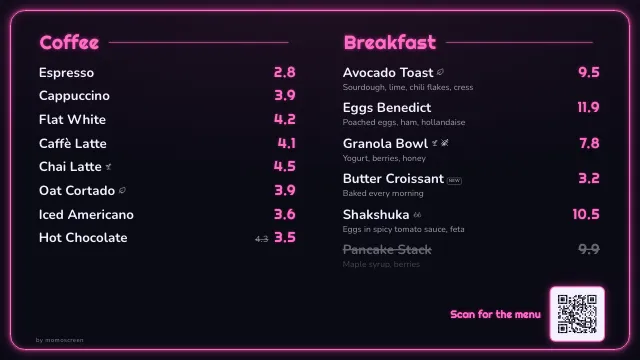
Neon 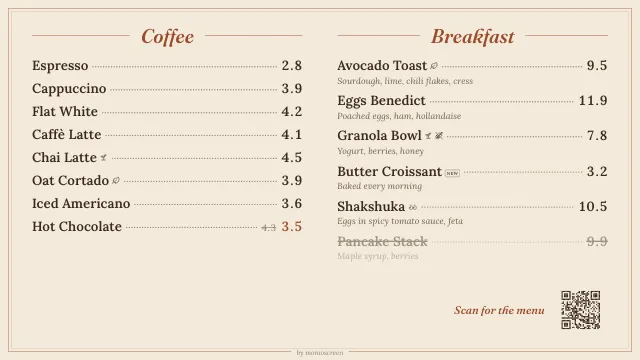
Bistro 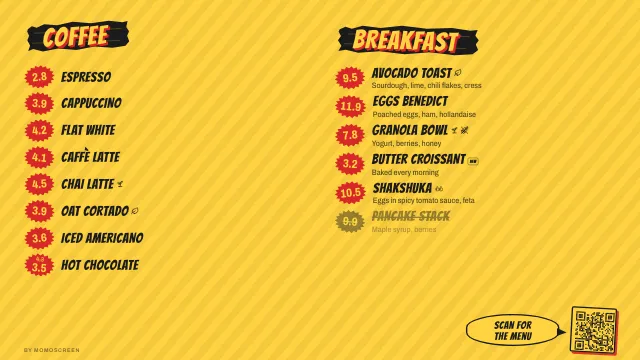
Street food 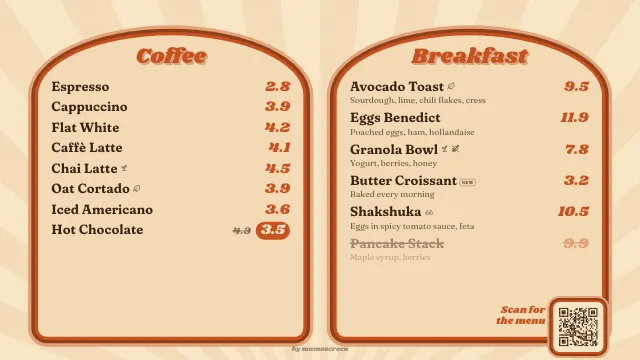
Retro 70s 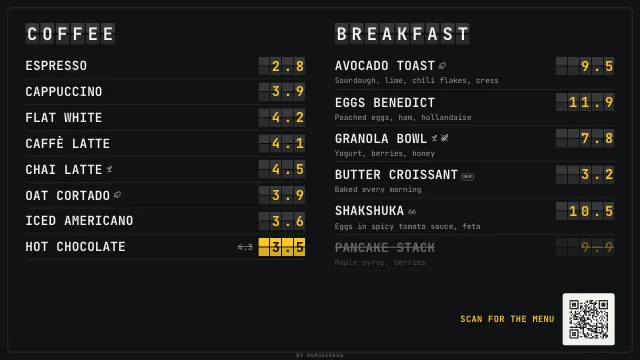
Departure board 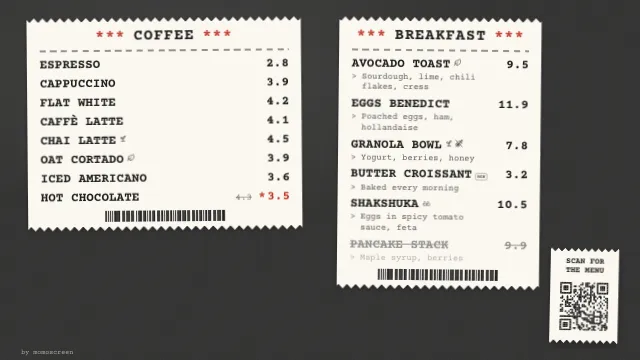
Receipt 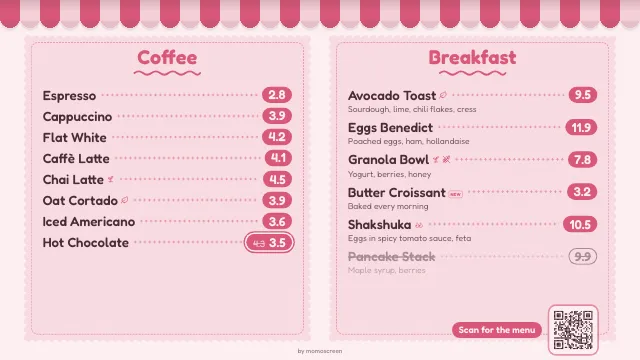
Bakery
8 of 50 styles, all with the same sample menu.
Colors that fit
Every style comes with colors
Each style has color variants made for it. Tap one, check it in the preview, done.
Your brand colors
If you've saved the colors of your logo or sign, momoscreen suggests matching colors for your board.
Ready-made combinations
Or pick a ready-made color combination – or choose background, text and accent yourself.
Readability check
If something is hard to read, momoscreen tells you. One tap fixes it.
Format & areas
Landscape or portrait: fits any wall
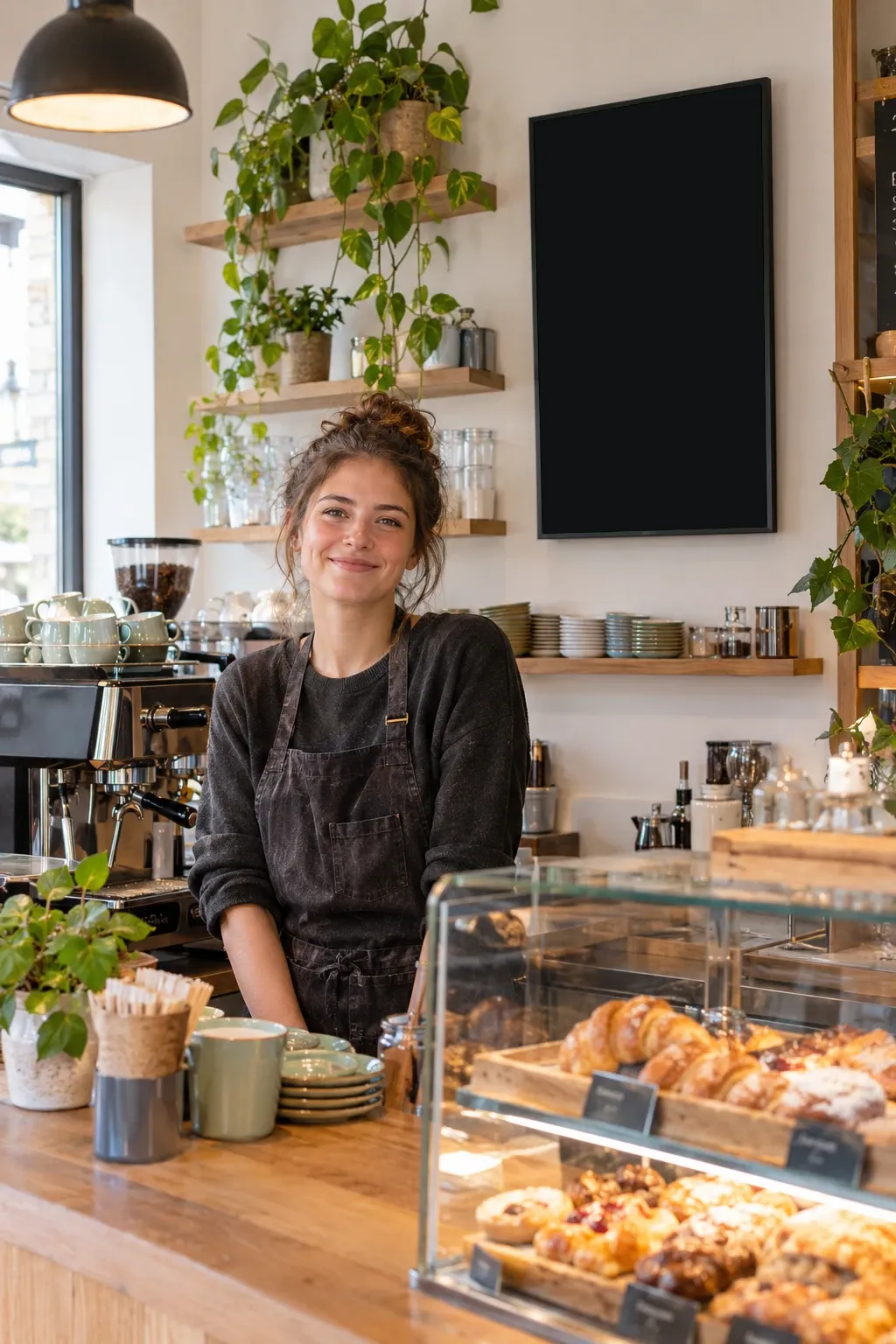
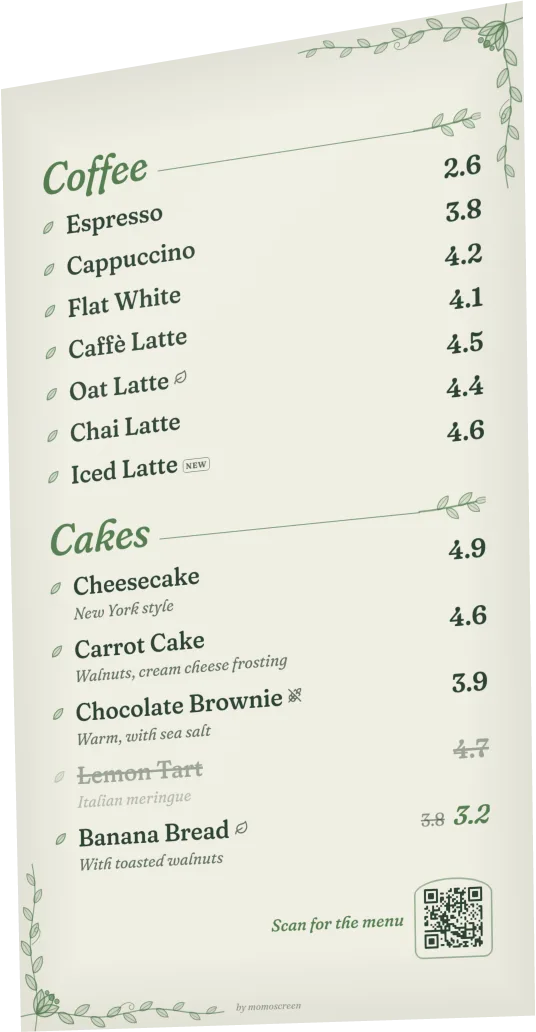
You choose how your screen hangs. A portrait screen even fits into a narrow spot behind the counter.
Landscape or portrait
A board for a TV hanging sideways or for a screen mounted upright.
Up to 4 areas
In landscape you split the board into 1 to 4 areas, in portrait into 1 or 2. Each area shows one category, for example coffee.
You pick the products
For each area you decide which products of the category go on the screen.
Descriptions if you like
For each area you decide whether descriptions are shown too – or just name and price.
Landscape
- 1 area
- 2 columns
- 3 areas
- 2×2
Portrait
- 1 area
- 2 areas
Fits by itself
Easy to read, no fiddling
No need to try out font sizes. The preview shows exactly what your TV will show – and tells you when something doesn't fit.
Text adjusts itself
When space gets tight, the board shows the text a little smaller on its own. This works in almost every style.
You get a heads-up
If products don't fit on the screen, the preview tells you how many. Tap “Make text smaller”, choose fewer products or use a board with more areas – sorted.
Text size your way
One slider makes all text bigger or smaller. Go bigger when your customers stand further away.
Preview just like the TV
The preview in the editor shows your board the way your TV shows it – with your own products.
Several screens
Two TVs? Or ten?
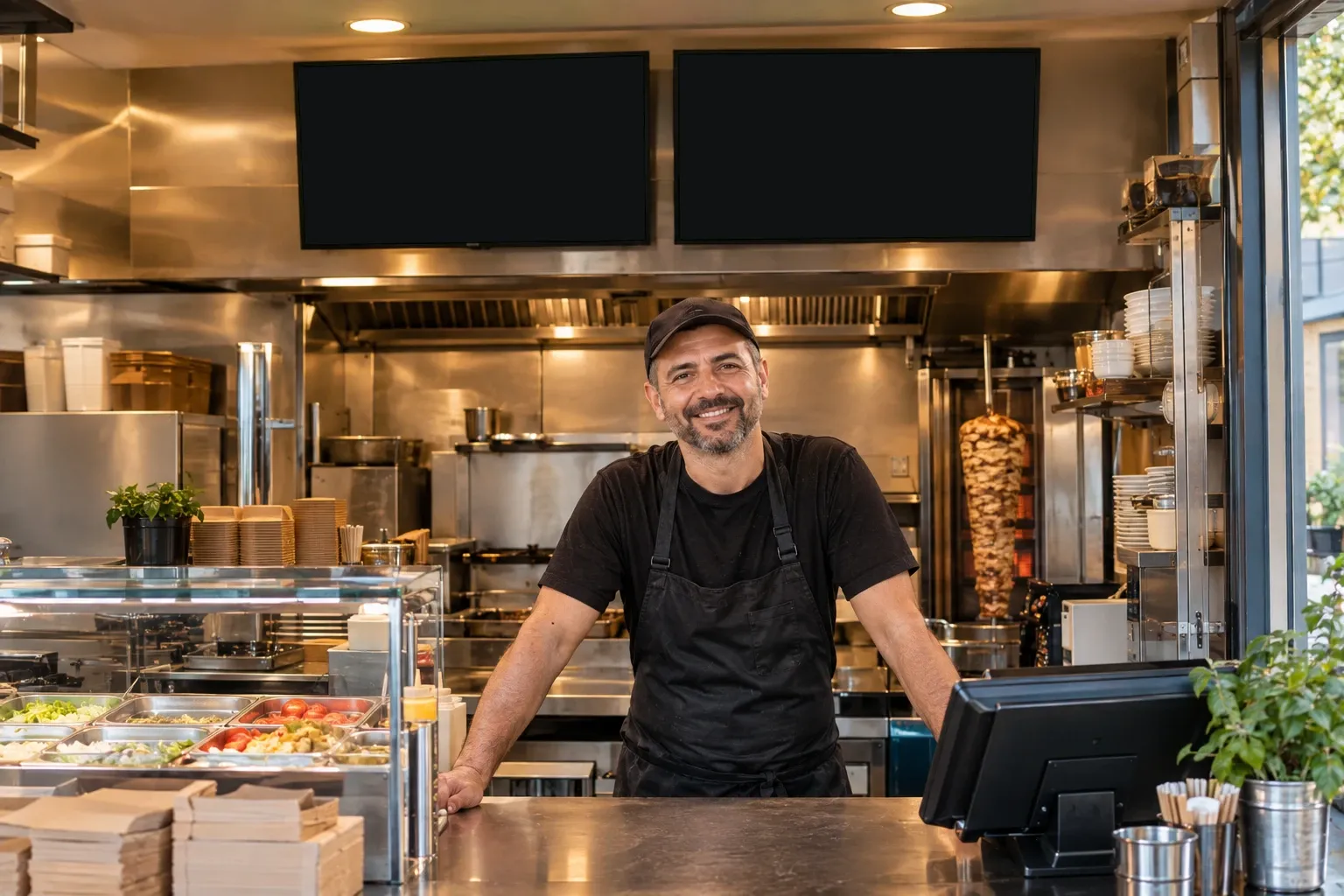
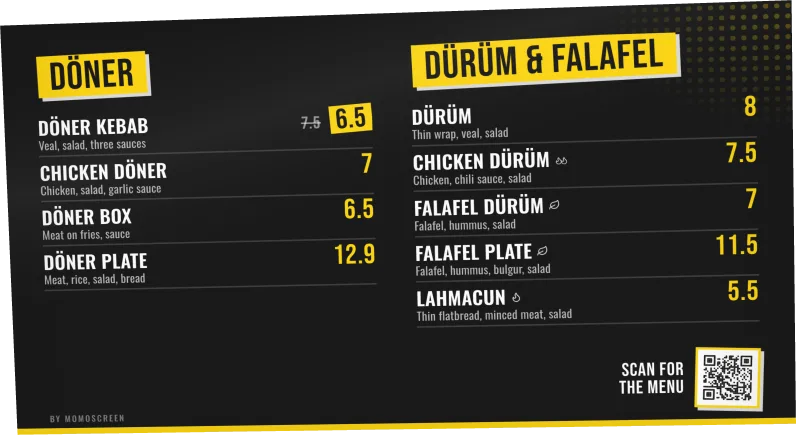
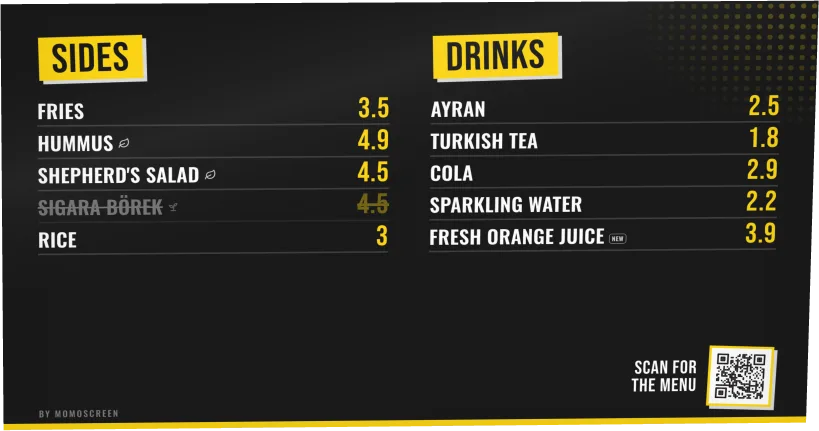
Every board has its own link. Hang two TVs side by side: one shows kebabs and wraps, the other sides and drinks.
As many screens as you like
Counter, shop window, second location: each screen opens the link of its board.
Boards taking turns
Too much for one screen? Let several boards take turns. They slide in or fade in, each staying 3 to 60 seconds.
One price, everywhere
All boards take products and prices from your menu. Change it once – every screen is up to date.
- Slide in
- Fade in
- 3–60 seconds
Sell more
Show what's worth it
A screen gets noticed. Use it for deals, new items and honest updates – right when it matters.
Deal price
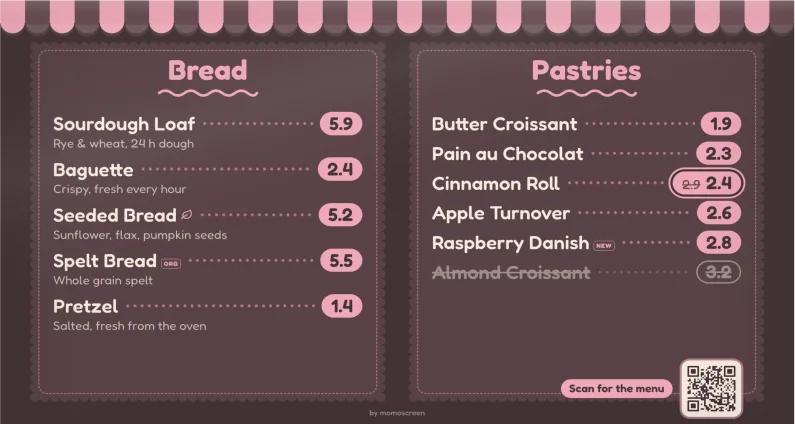
The old price is crossed out, the new one sits next to it. Everyone sees right away: that's a good deal.
“Sold out” in one tap
The item shows up crossed out – on the screen and in the QR menu. No more customers asking for what's gone.
Vegan, spicy, new
Small icons next to the item: vegan, vegetarian, organic, gluten-free, spicy in 3 levels and “new”.
QR code on the board
If you like, the board shows the QR code of your QR menu. Customers take the whole menu to their phone – in their own language, too, if you've translated it.
Shop window
Your shop window sells for you
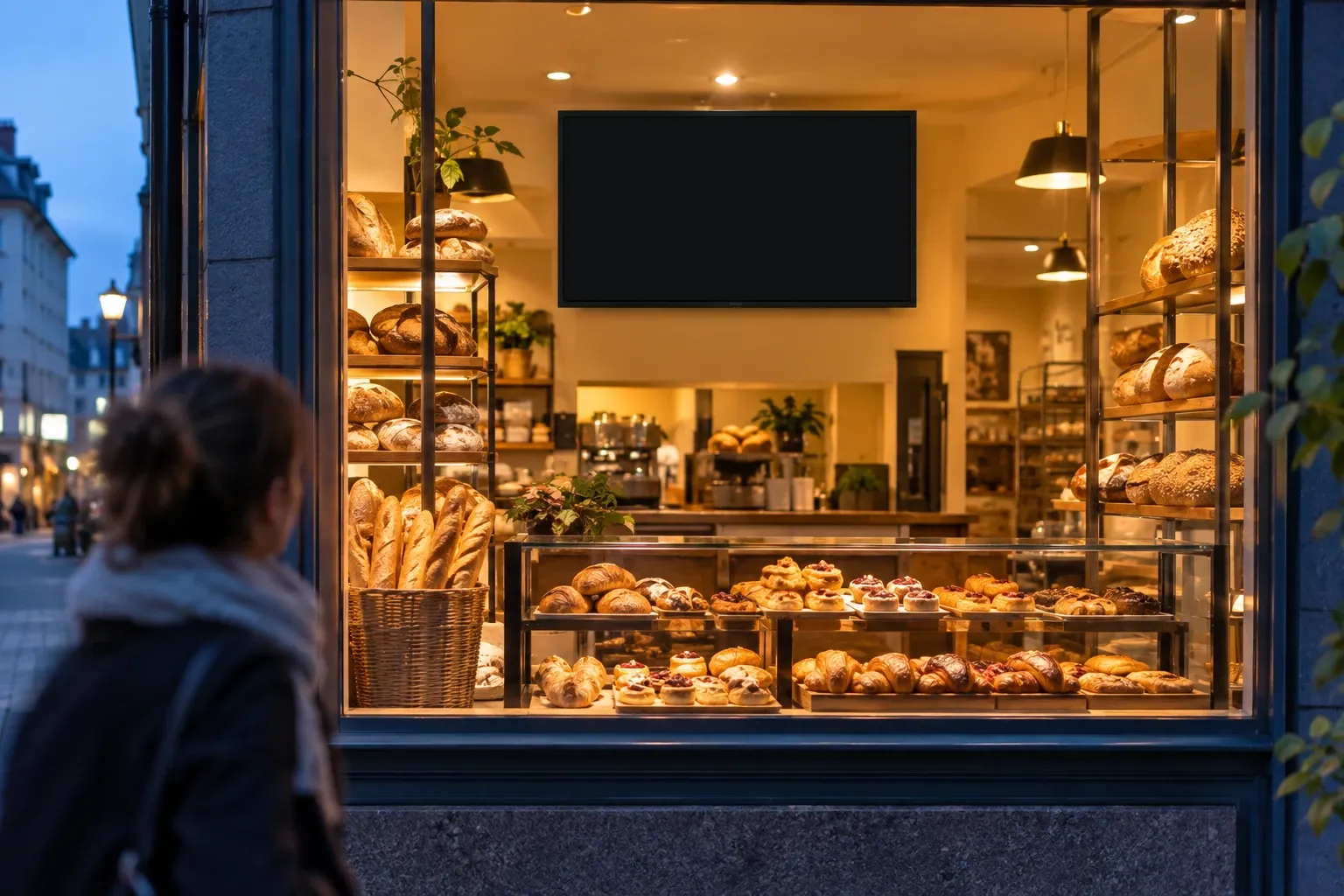
Hang a screen where people outside can see it – in the shop window or right behind it. Passers-by see what you offer and what it costs before they walk in.
Easy to read from outside
Use the text size slider to make everything bigger, so people can read it from the street.
Mornings different from evenings
Breakfast in the morning, cake in the afternoon: change what the board shows on your phone.
Always the right price
No faded sign with old prices. What you change shows up in the window about a minute later.
How it works
On your TV in three steps
No app on the TV, no special hardware. Just a browser.
Create a board
In the app under “Menu Boards”: choose landscape or portrait, set the areas, pick a style and products, save.
Open the link on your TV
Every board has its own link. Open it in your TV's browser.
Full screen – done
Tap “Enter Fullscreen”. From now on the board picks up your changes by itself, usually within a minute.
For example
- Smart TV with a browser
- Fire TV Stick
- Chromecast with Google TV
- Android TV box
- Tablet
- Laptop via HDMI
No browser on your TV?
Plug in a Fire TV Stick, Chromecast with Google TV or an Android TV box – or connect a laptop via HDMI.
- Changes
- arrive by themselves
- Internet drops
- last version stays visible
- App on the TV
- not needed
- Cost
- 0.00
Questions
Menu board questions
Your question isn't here? Email us at info@momoscreen.com – we're happy to help.
Can I print the board?
The menu board is made for screens, not for printing: it runs live in your TV's browser and keeps itself up to date. What you print is the QR code for your QR menu.
What kind of TV do I need?
Any with a browser: a smart TV, monitor or tablet. No browser on your TV? Then plug in a Fire TV Stick, Chromecast with Google TV, an Android TV box or a laptop via HDMI. You don't need an app or special hardware.
What does the menu board cost?
Nothing. No subscription, no setup fee, no hardware to buy. All features are included, several screens too.
How fast does a change show up on the screen?
Usually within a minute. The board picks up changes by itself as long as the browser tab stays open. You don't need to reload anything.
What happens if the internet goes down?
The board keeps showing the last version it loaded. Once the connection is back, it picks up your changes by itself. Don't reload the page while you're offline.
Why are some products missing on the TV?
A board only shows what fits on the screen. The editor tells you below the preview when products don't fit. Then tap “Make text smaller”, choose fewer products or use a board with more areas.
Can the board show my menu in several languages?
The board shows your menu in its original language. Translations are in the QR menu. Show the QR code on the board – then every customer picks their language on their own phone.
Turn your TV into a menu board.
Set up in a few minutes. No subscription, no tech skills, no cost.
No subscription · No setup fee · Any TV works